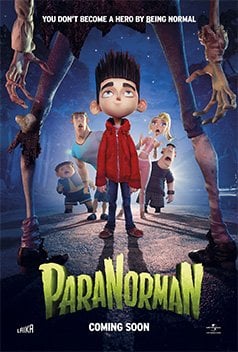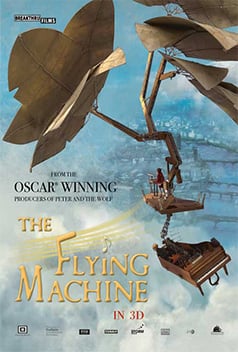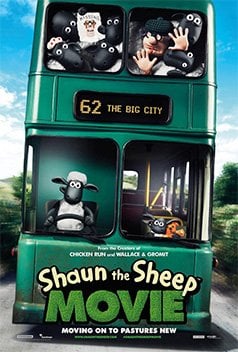
Dragon Stop Motion logo
The premier capture software for stop-motion animation, motion design and visual effects.
Please wait...
Dragon Stop Motion
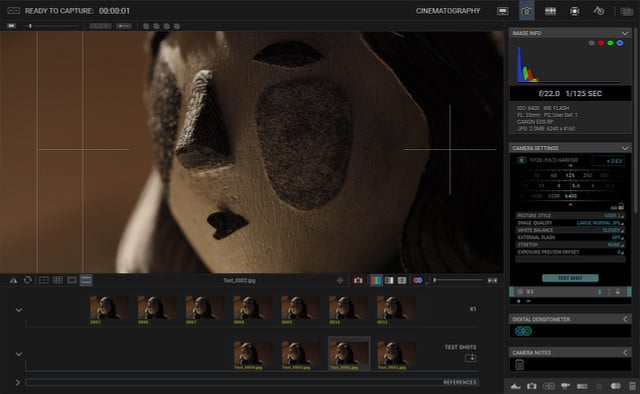
  • Controls digital still and video cameras for shooting stop-motion animation and effects.
  • Provides a comprehensive set of animation and cinematography tools to help you get the shot right.
  • Keeps your scenes, takes and frames well-organized for post production.
Watch the video overview Watch the sixty second video overview.

New: Automate Your Lighting

Program advanced lighting sequences, automate a work light,
and trigger external devices with the new DDMX-S2.
Learn More

New: Shoot in 3D

Configure multiple interocular distances and fully automate
3D shooting with the new IOTA 3D stereoscopic slider.
Learn More

About Dragon Stop Motion

Dragon Stop Motion is the leading stop-motion animation software for Mac OS X and Windows (PC) computers. Designed to meet the needs of working professionals, yet intuitive enough for beginners. Used widely for feature film, commercial, broadcast television and independent film.

Announcing Dragon Stop Motion 2.2 : 3D Playback

Dragon Stop Motion 2.2 adds 3D playback in the animation window. The new 3D Stereo Review area of the cinematography window provides fine-tuning your 3D imagery, with settings for convergence, edge float, and more. Keyframe editing for DMX lighting programs has been improved with multi-keyframe selection and dragging to adjust timing.

Tutorials

Watch our collection of video tutorials to learn how to create stop motion. Join Emmy and Annie award-winning director Jamie Caliri as he teaches you everything from basics to advanced techniques.

View all tutorials.

Tutorial: Animation Window Overview

Covers the main features of the Animation window in Dragon Stop Motion. Learn how to step through your animation with the step keys or the live-toggle key. Learn about auto-toggle, onion-skin, short play and other useful animation tools. You will be ready to animate after watching this tutorial.

Tutorial: Masks and Overlays

Covers dynamic masking and overlay capabilites in Dragon Stop Motion. Learn how to combine aspect masking, push-in masking, and TV-safe overlays (for standard or high definition).

Tutorial: Navigation Line

Covers the nagivation line (Nav-Line) that is new to Dragon Stop Motion 2. Learn how to quickly navigate through your scene, set in and out points for playback, and cut/copy/paste frames.